
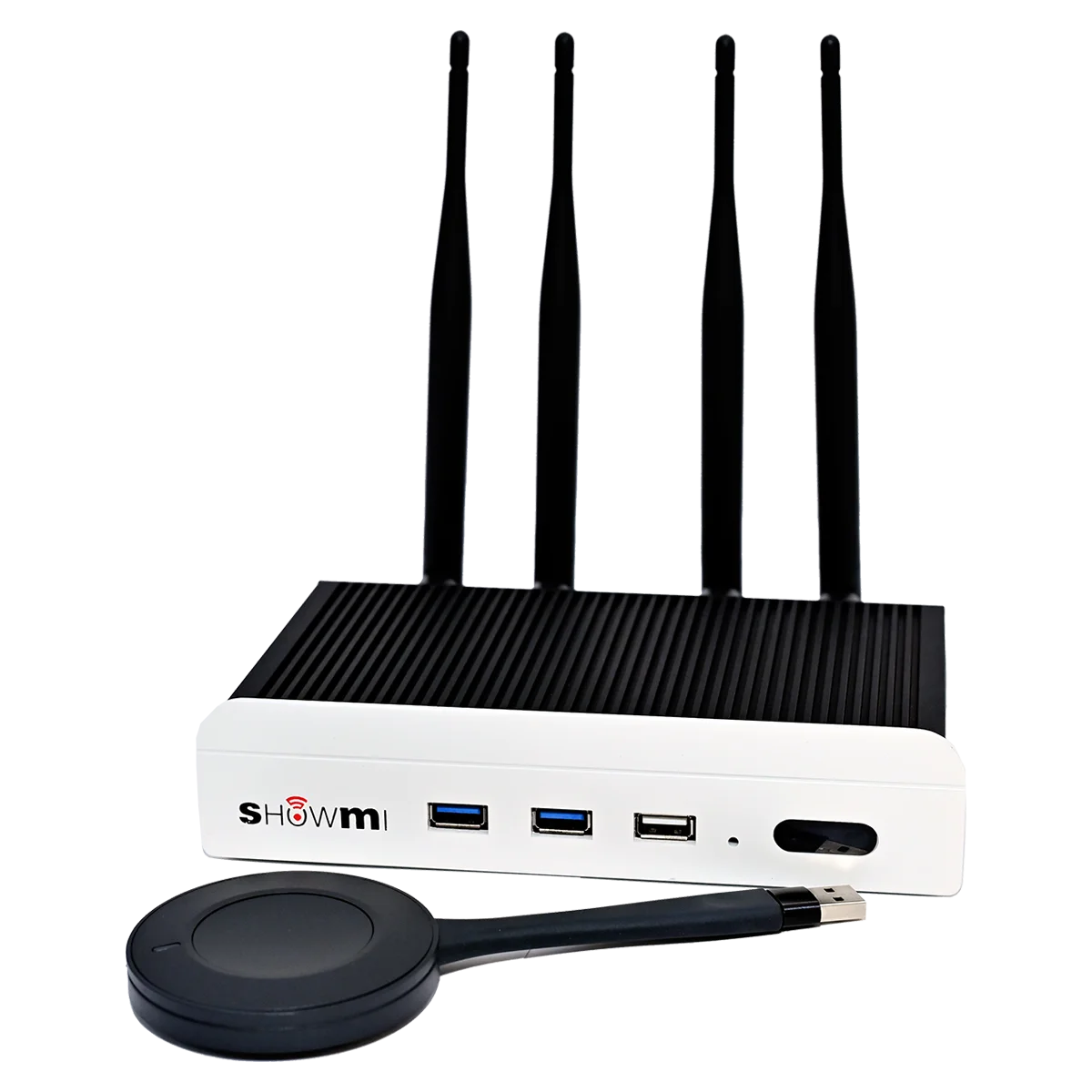
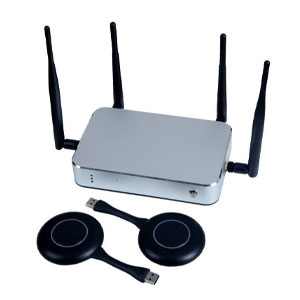
| Features | Showmi is advanced wireless display solution. It supports dual Wi-Fi network protocols. It supports both 2.4GHz and 5.8GHz bands with high sensitivity antennas to give you the best wireless display experience. It not only supports HDMI but also USB devices like flash drives, mouse and touch panels. |
| Multiple Device Sharing | With the ability to connect and display content from up to 9 devices wirelessly, our presentation system is perfect for collaborative work and multimedia presentations. |
| PC / Mac Compatible | Wireless transmission via the Klick & amp; Show TOUCH transmitter for Microsoft Windows or Apple Mac laptops and PCs to the base unit. |
| Android App | Free apps, for wireless content sharing from Android mobile devices to the base unit. |
| Airplay | Supports “Airplay” for wireless content mirroring from iOS devices, without using an app. |
| Fast-Switch | Fast switching between different sources in less than 3 sec |
| USB-Touch | Built-in USB-Touch function for connecting touch-displays and interactive boards. |
| Security | AES WPA2PSK authentication protocol for secure signal transmission. |
| Local Media Playback | Play videos, pictures and music while using the Android or iOS app.. |
| Wireless AP | Built-in Wi-Fi access point to set-up a standalone Wi-Fi network between PC-sources/mobile devices and the base unit, instead of occupying an existing company/campus network. IEEE 802.11n/ac standard for transmission rates up to 1 GB/s. Choose between 5 GHz or 2.4 GHz band to minimize interference with other Wi-Fi networks. |
| LAN-Network | Additional LAN port on base unit, to link mobile devices to a LAN network or internet whilst being connected |
| BYOD & BYOM | The new innovative way for Video Conferencing & Collaboration. |
|
Model |
Showmi 109 |
|
|
Installation |
Keep PC and box at the same internet, No need installation |
|
|
Support System |
Windows 7/8/10 |
|
|
Resolution |
3840x2160 4K 60Hz,1920*1200,1920*1080、1366*768、1360*768、1280*800、1280*720 |
|
|
1024*768 |
||
|
Frame Rate |
Audio & Video 18~60Frame |
|
|
Delay Time |
100~200ms |
|
|
Display Mode |
Support extend screen |
|
|
Touch Back Control |
Support Mouse mode return |
|
|
Connection Paths Number |
128 |
|
|
The Most Qty Display Screen |
4 Screens |
|
|
Meeting Mode |
Host mode |
The host can touch the list of screens to select the designated PC screen |
|
Connecting Internet |
1. When box connect to RJ45, PC Wi-Fi or wired connection of Network |
|
|
2. When box connect to Wi-Fi, PC Wi-Fi or wired connection of Network |
||
|
3. PC Wi-Fi Connecting to box 5G hotpot |
||
|
Wireless USB Dongle |
||
|
Installation |
No installation, No configuration |
|
|
Connection |
USB Device |
|
|
Support System |
Windows 7/8/10,Apple Mac |
|
|
Resolution |
720P~1080P |
|
|
Frame Rate |
Audio & Video 18~30Frame |
|
|
Delay Time |
100~200ms |
|
|
Transmit Distance |
No obstacle 50m |
|
|
Display Mode |
Support extend screen(Windows 7/8/10) |
|
|
Touch Back Control |
Support 10 fingers touch returns(Windows 7/8/10) |
|
|
Support mouse mode return (Mac) |
||
|
Connection Number |
1~8(If above8pcs, need additional routers) |
|
|
The Most Qty Display Screen |
4 screens |
|
|
Wireless Speed |
TX 300Mbps |
|
|
Wireless Protocol |
IEEE 802.11 a/g/n/ac |
|
|
Channel |
5.8G, Multi-channel Selection |
|
|
Authentication Protocols |
WPA2-PSK |
|
|
Upgrading Method |
PC USB Upgrading the dongle |
|
|
Meeting Mode |
Host Mode |
The host can touch the list of screens to select the designated PC screen |
|
Phones Wireless Mirroring |
|||
|
5.8G Hotspot &5.8G Wi-Fi working at same time, While mirroring, the phone can go surfing. |
|||
|
Android devices scan QR Codes and casting |
|||
|
Under the same Network, the screen transmission can between different network segments |
|||
|
iOS8 above,Air Play mirroring,support multi-screens mirroring |
|||
|
Android 5.0 and above, and download USBdisplay.cn APP can mirroring videos which can pass-through sound |
|||
|
No need APP for mirroring, support Miracast, Air Play, USB wireless mirroring |
|||
|
Other Functions |
|||
|
Support 90° 180°270° photos Rotating |
|||
|
Support APP mirroring, Air Play, Windows software mirroring |
|||
|
Single-point Writing(Accelerating Low Delay)Multi-points Scaling, Gesture Erasure, support scan QR code and share |
|||
|
HDMI output |
|||
|
Support timely restart and keep the whole year work normally without power down. |
|||
|
Customization Welcome, files explores and screen saver |
|||
|
Support 5.8G&5.8G AP at the same time for mirroring(optional) |
|||
|
Video/Audio |
|||
|
Support H.264,H.265,VP8,RV,WMV,AVS,H.263,MPEG4 |
|||
|
4K |
|||
|
Touch System |
|||
|
USB HID |
Mouse mode |
Support |
|
|
Support |
Capacitive touch panel |
Support |
|
|
Operation System |
|||
|
Android 11 |
USB |
USB*3 |
|
|
ARM Cortex A55 x 4 |
HDMI output |
1 (4k 60hz) |
|
|
2G DDR3 |
HDMI Input |
1 (4K 30Hz) |
|
|
8G Flash |
Wi-Fi |
5.8G+5.8G |
|
|
Support |
Lan |
RJ45*1 |
|
|
3.5mm |
RS232 |
2 |
|
|
HDMI Output |
|||
|
Max 3840x2160 4K 60Hz |
|||
|
Adaptor |
|||
|
DC:12V |
Max consumption |
12W |
|
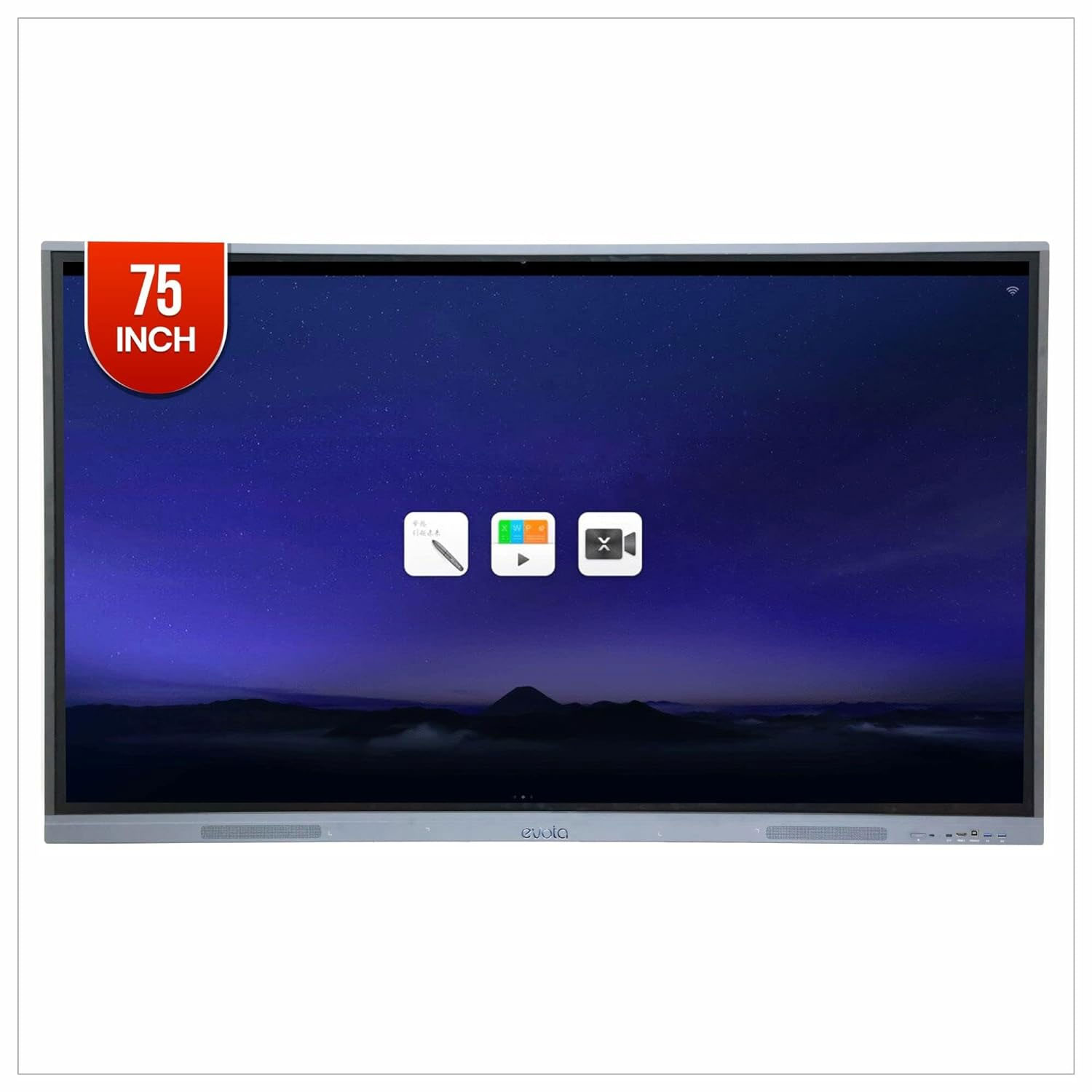
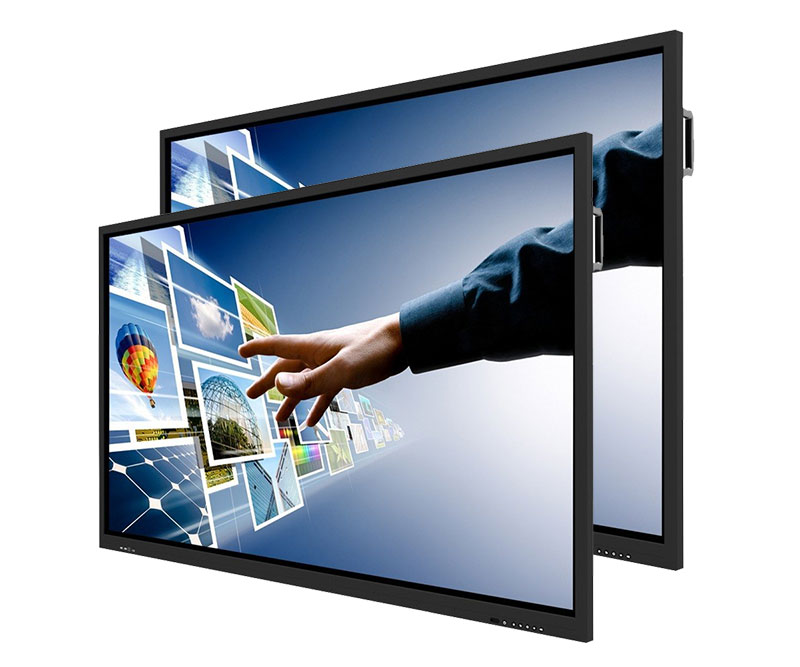
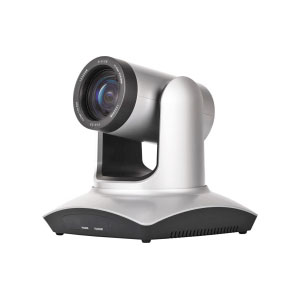
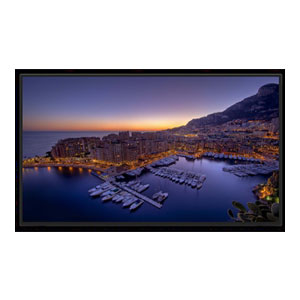
Provide an immersive experience with 4K resolution, up to 40 points of touch, a built-in top-oriented sound bar and microphone array, and a convenient camera USB port location.
| Size: | 86″ |
| Screen Type: | LED |
| Aspect Ratio: | 16:9 |
| Display Area: | 74.61″ x 41.97″ |
| Resolution: | 3840(H) x 2160(V) Ultra HD |
| Pixel Pitch: | 0.4935 mm x 0.4935 mm |
| Back Light Unit: | Direct type LED |
| Response Time: | 6.5 ms |
| Refreshing Frequency: | 60Hz |
| Display Color: | 1.07B (10 bit) |
| Brightness: | 350 cd/m2 |
| Static Contrast Ratio: | 1200:1 |
| Dynamic Contrast Ratio: | 4000:1 |
| Viewing Angle: | 178° |
| Life Time: | ≥50,000 hours |