

 Share
Share
 Post
Post
 Pin
Pin
 Share
Share
 Share
Share
 Share
Share
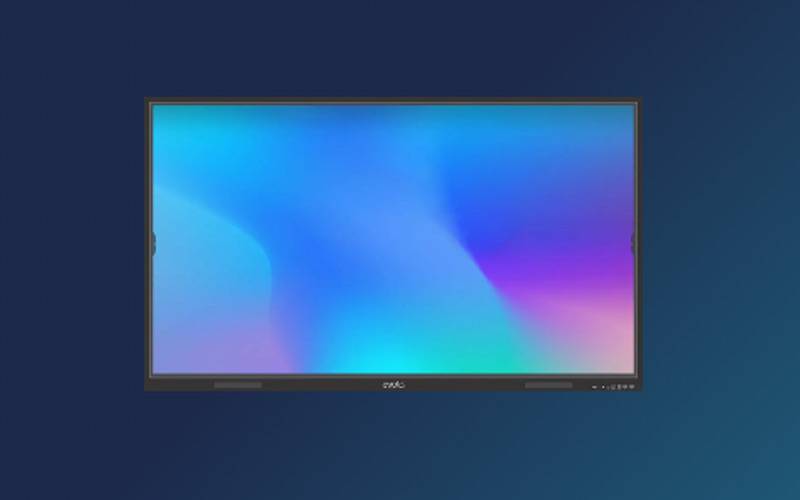
Digital transformation in education is no longer optional, it has become the backbone of modern learning. Classrooms today demand interactive, visual, and smart teaching tools that improve engagement and academic performance. This is why institutions across the country are rapidly shifting toward interactive displays, and the Touch Screen TV For Teaching has emerged as the most powerful upgrade for educators. It replaces outdated blackboards and projectors by offering a unified, intelligent, and immersive teaching system that boosts comprehension and retention like never before. Teachers are no longer just instructors, they are presenters, collaborators, and digital mentors. Smart classrooms help them teach better, communicate faster, and explain complex concepts with real-time interaction. Interactive panels allow educators to write, draw, demonstrate, present, stream, assess, and animate lessons on a single smart screen. Most importantly, they provide a future-ready learning environment that students instantly connect with. This transformation is not just technological; it's cognitive, visual, experiential and impactful.
Traditional teaching methods often struggle to hold student attention for long. Chalk dust, faint projector outputs, slow connectivity, and limited visual learning tools reduce teaching quality. A touchscreen teaching display shifts the entire approach from passive learning to active participation. With fingertip responsiveness, screen mirroring, multi-touch input, and digital whiteboarding, teachers can break lessons into visually appealing and interactive modules. These panels support multimedia integration including videos, diagrams, presentations, quizzes, animations, live browsing, and collaborative problem solving. Educators can save lesson boards digitally, share them instantly with students, and even revisit previous sessions in seconds. In a world where students learn faster through screens than printed pages, touch-enabled teaching screens ensure better engagement, better memory retention, and better academic results.
A high-quality interactive panel designed for education offers features that make teaching smoother, faster, and distraction-free:
These features transform classrooms into smart learning ecosystems, where teaching becomes faster and learning becomes intuitive.
Interactive panels are not just smart devices; they completely reshape teaching environments. The technology minimizes distractions and maximizes focus. Students spend less time copying from boards and more time understanding concepts. Institutions adopting digital teaching displays build stronger academic credibility, attract more admissions, and create learning environments preferred by both students and parents. Smart learning spaces are no longer a luxury, they are a competitive necessity.
A powerful interactive panel must be responsive, durable, visually sharp, easy to operate, and optimized for education. The demand for advanced teaching screens has grown massively due to their ability to support hybrid learning, EdTech integration, IoT-enabled classrooms, AI-based learning, and paperless teaching systems. With growing adoption, schools are now replacing outdated teaching setups with truly interactive smart panels that deliver long-term value, reduced maintenance, and measurable learning outcomes.
If institutions want dependable intelligent teaching displays, they also need to consider whether the solution is designed for educators or just presenters. It is a wise decision of many schools to change their digital classrooms with the help of the performance and precision of the teaching-focused smart panels. The learners of today need intelligent education tools, not conventional upgrades. The truly advanced learning revolution begins with a Smart Board For Classroom setup, and Yotech delivers one of the most reliable, education-focused interface solutions in the industry.
Technology has given educators the tools to teach smarter, faster, and with deeper impact. The future belongs to classrooms that encourage curiosity, creativity, collaboration, and digital exploration. Interactive learning panels are redefining how knowledge is shared and absorbed. With real-time interaction, paperless lesson planning, multimedia teaching, seamless screen sharing and touch-driven engagement, classrooms finally have a system that works the way teachers think and students learn.
Education is changing to a whole new level, and teachers need to adapt to the change as well. The time when students were just passively listening to lectures is gone, now interactive learning is considered the best way to learn. Making lessons more attractive through visuals, giving students the ability to solve their problems on the spot, and encouraging them to learn together not only familiarize students with the concepts, but also let them live those concepts. Digitally interactive learning is not only trendy, but it is also result-oriented and student-focused. Use of a Smart Board For Teachingwould be a great way to get the students ready for the future, make them more digitally savvy and give teachers the assurance that their teaching has no boundaries.
Digital signages enhance communication, engage customers, and provide dynamic content delivery, promoting brand visibility and information dissemination in a visually appealing manner.
Interactive Flat Panels facilitate collaborative learning, interactive lessons, and dynamic presentations. With touch capabilities and multimedia support, they enhance student engagement and learning outcomes.
LED Video Walls deliver vibrant, seamless visuals for impactful presentations, events, and advertising. With high brightness and resolution, they ensure eye-catching displays in diverse environments.
Wireless Presentation Systems enable seamless content sharing, fostering collaboration in meetings. Users can wirelessly connect devices, share content, and enhance productivity with efficient, cable-free presentations.
Audio video Conferencing Systems offer high-quality communication, ensuring clear audio and video for virtual meetings. They foster collaboration, connecting remote teams and facilitating effective communication.
Digital Podiums provide a technologically advanced platform for speakers. With integrated audio-visual features, touch controls, and connectivity options, they enhance presentations, lectures, and public speaking engagements.

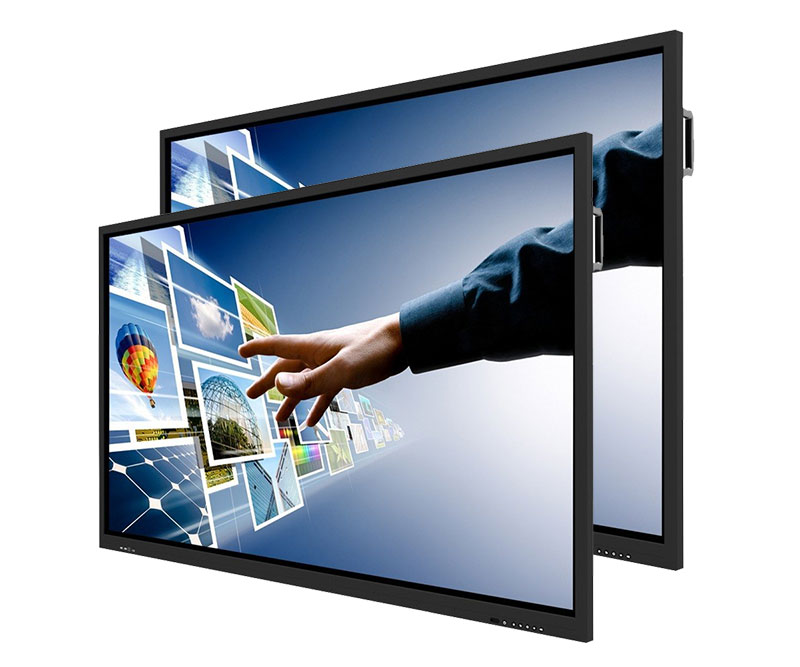
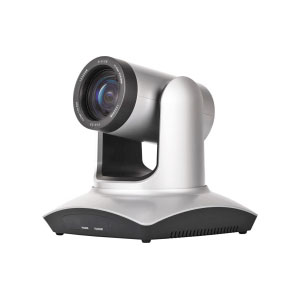

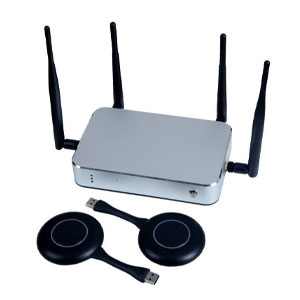
Provide an immersive experience with 4K resolution, up to 40 points of touch, a built-in top-oriented sound bar and microphone array, and a convenient camera USB port location.
| Size: | 86″ |
| Screen Type: | LED |
| Aspect Ratio: | 16:9 |
| Display Area: | 74.61″ x 41.97″ |
| Resolution: | 3840(H) x 2160(V) Ultra HD |
| Pixel Pitch: | 0.4935 mm x 0.4935 mm |
| Back Light Unit: | Direct type LED |
| Response Time: | 6.5 ms |
| Refreshing Frequency: | 60Hz |
| Display Color: | 1.07B (10 bit) |
| Brightness: | 350 cd/m2 |
| Static Contrast Ratio: | 1200:1 |
| Dynamic Contrast Ratio: | 4000:1 |
| Viewing Angle: | 178° |
| Life Time: | ≥50,000 hours |